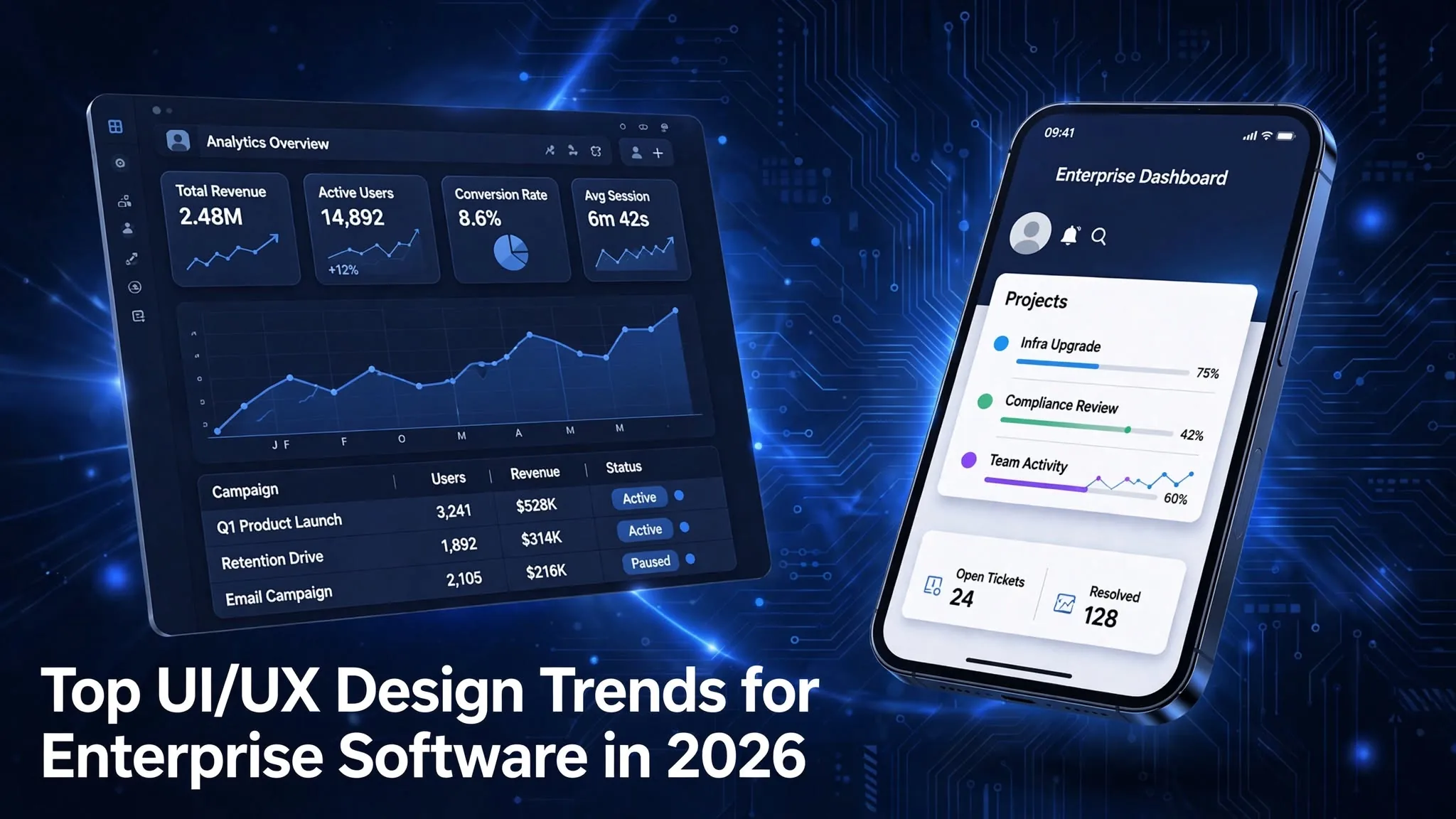
Top UI/UX design trends for enterprise software in 2026
Words: Marks & Methods | Published: September 24, 2026
Words: Marks & Methods | Published: September 24, 2026
The biggest UI/UX design trends for enterprise software in 2026 are interfaces for supervising AI agents, command-first navigation, role-based workspaces, design systems enforced through tokens, accessibility built into components, privacy-ready consent flows, calmer high-density dashboards, and restraint with glossy visual fads. Most of them share one goal: helping people trust software that now does more work on its own.
We design interfaces for businesses in Hyderabad and across India, and a growing share of that work is enterprise software. That means HRMS portals, procurement tools, field-sales apps, and internal dashboards were used eight hours a day by people who didn't choose them. That last part matters. Consumer apps win users. Enterprise apps inherit them, so bad design turns straight into slow work, workarounds, and support tickets.
Here's what we think actually matters this year and one trend we'd tell most teams to skip.
| Trend | Who it matters most for | Adopt now? | |
|---|---|---|---|
| 1 | Interfaces for supervising AI agents | Any product shipping AI features | Yes. |
| 2 | Command bars and intent search | Apps with 50+ screens | Yes, alongside menus |
| 3 | Role-based workspaces | ERP, CRM, HRMS | Yes. |
| 4 | Design systems enforced through tokens | Multi-product or white-label SaaS | Yes. |
| 5 | Accessibility inside components | Everyone, especially EU exporters | Yes. |
| 6 | DPDP-ready consent and privacy UX | Anything handling Indian personal data | Start now |
| 7 | Dense dashboards that stay calm | Analytics, finance, ops tools | Yes. |
| 8 | Glassmorphism and translucent UI | Marketing surfaces only | Mostly skip |
Picture a procurement manager in Gachibowli. She asks her system to reconcile 300 vendor invoices against purchase orders. Twelve minutes later it says "Done." Which invoices did it flag? Why did it approve the one where the GST amount didn't match? If the screen can't answer those questions in ten seconds, she'll redo the whole batch by hand, and the AI feature you paid for becomes decoration.
This is the biggest shift in enterprise UX this year, and the numbers explain why. Gartner expects 40% of enterprise applications to include task-specific AI agents by the end of 2026, up from under 5% in 2025. A chat box was enough when AI only answered questions. Agents act. They send emails, update records, and approve things. The interface has to show what the agent is doing and let a person step in.
The patterns we now build into agent features:
The advice we give clients: design the failure state first. What does the screen look like when the agent gets 12 out of 300 wrong? If that screen is clear, the success screen takes care of itself.
Large enterprise products often have hundreds of screens. Nobody memorizes a menu tree that deep. Tools like Linear, Figma and Notion made the keyboard command bar (Ctrl+K or Cmd+K) normal, and in 2026 enterprise users expect it too.
The newer version accepts plain requests. Type "overdue invoices Q2 Pune branch" and the bar opens the filtered report instead of dropping you at the invoices module.
One caution. Don't delete the navigation. New employees need menus to discover what the product can do, and command bars reward people who already know what to ask for. Treat the command bar as the fast lane for daily power users and keep the menu for everyone else.
Plenty of 2026 trend lists push AI personalization that rearranges the interface for each user. For enterprise software we think that's mostly a mistake.
When buttons move based on behaviour, muscle memory breaks. Training videos go out of date. The IT helpdesk can't say "click the blue button on the top right" because it isn't there for half the company anymore.
What works better is predictable role-based workspaces. A finance controller and a regional sales head open the same product and see different home screens, built deliberately for their jobs. Users can pin and reorder widgets themselves. AI suggestions ("You usually approve these on Fridays") live in one clearly marked panel instead of reshuffling the navigation. The system adapts, but the user can always predict where things are.
Most design systems die quietly as a Figma file nobody opens. The ones that survive in 2026 are enforced in code.
Design tokens are the mechanism. Color, spacing, type scale, corner radius and motion timing are stored as named values that feed web, iOS and Android builds at once. Change the primary blue once and it updates everywhere. For SaaS companies selling white-label versions to multiple clients, tokens make brand theming a configuration task instead of a redesign.
Governance is the other half. Lint rules flag off-system colors in pull requests, there's a documented way to propose new components, and someone owns the system. If your team is growing past one product, this is the time to set it up, because retrofitting a design system onto five inconsistent products costs far more than starting with one. It's also where UI/UX design and brand strategy meet: the tokens are your brand identity, made operational.
Accessibility used to be an audit at the end of a project. Now it's moving into the component library, so an inaccessible version simply can't be built.
WCAG 2.2 raised the bar on things enterprise apps often get wrong: minimum touch-target sizes, focus indicators that sticky headers can't hide, login flows that don't depend on memory puzzles, and alternatives to drag-and-drop. The European Accessibility Act has applied since June 2025, which matters for Indian SaaS companies selling into EU markets.
In practice, that means a button component that ships with correct focus states, a data table with proper keyboard navigation and screen-reader labels, and automated checks that fail the build when contrast drops below the standard. Build it once in the system and every team inherits it.
For Indian enterprise software, this one has a deadline. The Digital Personal Data Protection Rules were notified in November 2025, and obligations for consent managers take effect in November 2026, while most organizations have until May 13, 2027 to comply.
Much of the law turns into interface work. Consent notices have to stand on their own in clear, plain language, list the personal data collected and why, and let people withdraw consent as easily as they gave it. Consider what that means for an HRMS that collects employee Aadhaar numbers, bank details and health information across 40 different forms. Every form needs an itemized notice. Every consent needs a visible way to reverse it. Admins need a console that shows which data is processed for which purpose, with exports ready for an audit.
Retrofitting this into a mature product takes months. Teams that start the UX work now will ship it calmly. Teams that start in early 2027 will ship something rushed and confusing, which is its own compliance risk.
Here's something consumer-style redesigns get wrong: expert enterprise users want density. A treasury analyst comparing 60 accounts doesn't want generous whitespace and three cards per screen. She wants the numbers.
Good 2026 dashboards handle density without noise:
That last pattern is where AI helps most in analytics. It doesn't replace the chart. It saves the user from building a pivot table just to understand why last week's revenue dipped.
Apple introduced its translucent Liquid Glass design language in June 2025, and glassmorphism is back in every trend roundup. It looks great in a keynote.
Put a frosted, translucent panel over a data grid and contrast drops, text gets harder to read, and accessibility checks start failing. For enterprise screens where people read numbers all day, we'd skip it. Use it on the marketing website, the onboarding screens or the login page, where the brand gets to have some fun. Keep the working screens plain.
Start with the foundations, then the deadlines, then the visible features:
And measure it in terms your CFO reads. Track time to complete core tasks, error rates, support tickets per module and adoption of new features. "Users liked it" won't get the next redesign funded. "Invoice processing dropped from nine minutes to four" will.
Enterprise UX design is the practice of designing software used inside organizations, such as ERP, CRM, HRMS and internal tools. It focuses on complex workflows, multiple user roles, large amounts of data and integration with other systems. Success is measured in productivity, accuracy and adoption, not downloads.
Consumer apps compete for attention and have to be learnable in seconds. Enterprise apps are used for hours a day by trained staff, so speed for repeat tasks, data density, and predictability matter more than first impressions. The buyer and the user are also usually different people, which means design has to satisfy both.
No. It shifts the work. When software acts on its own, someone has to design how it shows its plan, explains its choices and hands control back to a person. That's harder to get right than a static form.
Planning a redesign or adding AI features to an enterprise product? See our recent work or talk to the Marks & Methods team about where to start.